
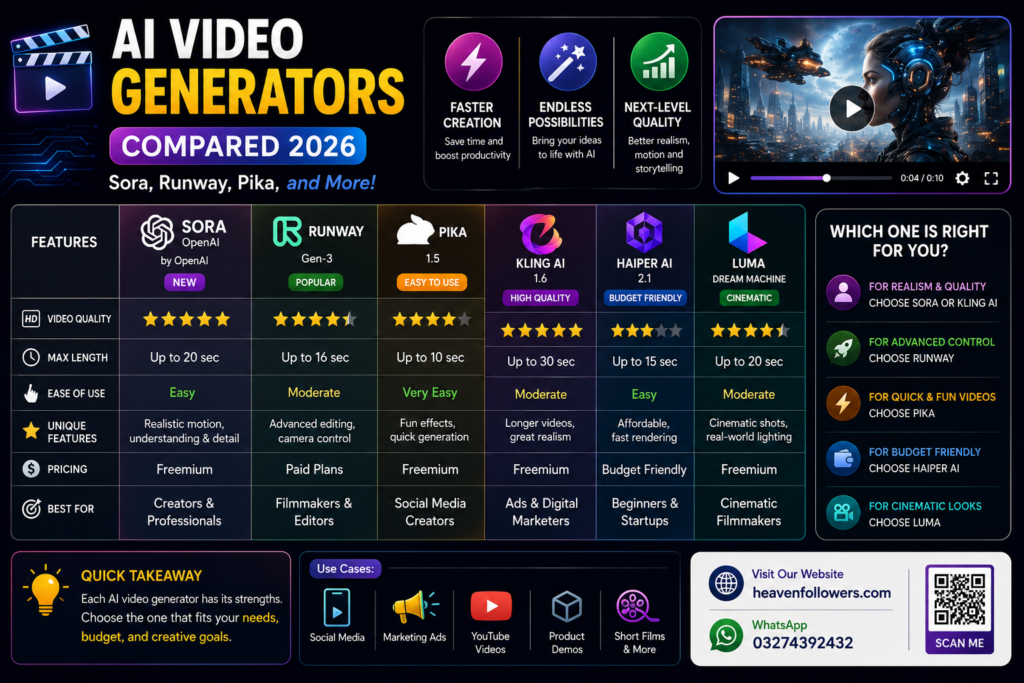
AI video generation has moved fast in the last couple of years. What used to produce blurry, glitchy clips can now generate near-cinematic footage with realistic motion, camera control, and even built-in audio. But with so many tools available — Sora, Runway, Pika, Google Veo, Kling, and more — picking the right one for your project can be confusing.
This guide breaks down the top AI video generators of 2026, what each one is actually good at, and which tool fits which type of creator.
Important Update: Sora’s Status in 2026
Before comparing tools, there’s something every creator should know: OpenAI discontinued the Sora web and app experience on April 26, 2026, and the Sora API is scheduled to be discontinued on September 24, 2026. This means Sora is no longer a practical option for starting a new project in 2026 — it’s now mainly relevant for historical comparison or for creators finishing existing Sora-based work. Keep this in mind if you see older articles still recommending it as a top pick.
1. Runway (Gen-4.5)
Runway remains one of the safest and most complete choices for creators in 2026. It’s not just a video-generation model — it’s a full editor-first platform, offering features like image-to-video, keyframe control, and video-to-video editing.
Best for: Professionals who need editing control alongside generation, brand-consistent content, agencies running repeatable campaigns Strengths: Strong camera control, mature toolset, reliable for production work Consider if: You want one platform that handles generation and editing together
2. Google Veo (3.1)
Veo 3.1 has become a top pick for cinematic, realistic output — especially for marketing and ad content. It handles natural dialogue and ambient sound generation well, which makes it a strong choice for polished, narrative-style videos.
Best for: Marketers and teams already using Google’s ecosystem Strengths: Realistic visuals, strong prompt understanding, natural audio Consider if: You want ad-ready or narrative-style clips without heavy post-production
3. Kling (3.0)
Kling has built a reputation for handling high-motion scenes and realistic movement well, making it a strong option for action-heavy or dynamic footage.
Best for: Creators who need convincing motion and realistic physics Strengths: Strong performance with movement-heavy scenes, competitive cinematic quality Consider if: Your project involves a lot of action or camera movement
4. Pika (2.5)
Pika is generally considered the most beginner-friendly and budget-conscious option. It’s fast, easy to use, and includes a lip-sync feature (Pikaformance) that’s useful for talking-head style content.
Best for: Beginners, social media creators, quick experiments Strengths: Speed, low cost, simple interface, good for stylized social clips Consider if: You’re just starting out or need fast, low-stakes content for platforms like TikTok or Instagram Reels
5. Luma (Ray2)
Luma’s newer Ray model line is known for handling depth and spatial realism well, which is useful when a scene’s sense of space and volume matters.
Best for: Creators who care about realistic depth and environment Strengths: Strong spatial/room-volume rendering Consider if: Your project depends on realistic environments rather than fast-paced action
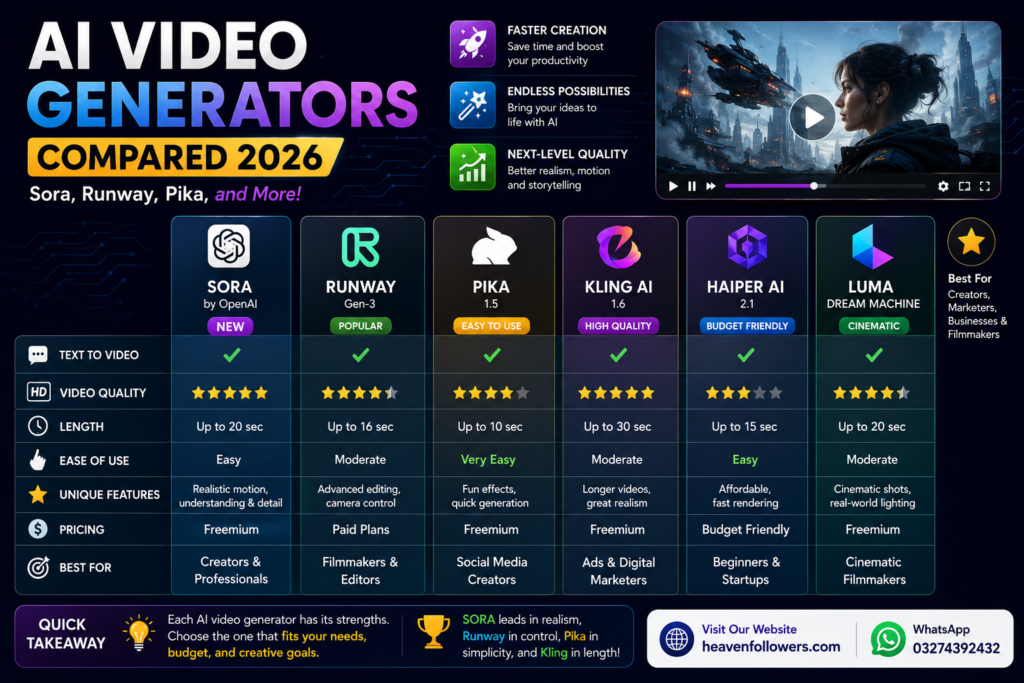
Quick Comparison Table
| Tool | Best For | Standout Feature |
| Runway Gen-4.5 | Professionals, agencies | Editor-first workflow |
| Google Veo 3.1 | Marketing, ads | Realistic visuals + audio |
| Kling 3.0 | Action/motion scenes | Strong physics handling |
| Pika 2.5 | Beginners, social content | Speed and simplicity |
| Luma Ray2 | Environment-heavy scenes | Depth and spatial realism |
| Sora | Legacy/reference only | Being discontinued in 2026 |
Which One Should You Actually Use?
- If you’re a complete beginner: Start with Pika — it’s the simplest to learn and won’t cost much while you experiment
- If you’re running ads or marketing content: Google Veo 3.1 is currently one of the strongest picks for polished, realistic output
- If you need full editing control: Runway is the safest all-around choice for serious or repeated projects
- If your content involves lots of movement or action: Kling is worth testing
- Avoid building a workflow around Sora in 2026, given its discontinuation timeline
A Few Practical Tips
- Test before committing — most of these tools offer free trials or limited free tiers; try a couple before buying a subscription
- Image-to-video tends to be more reliable than pure text-to-video, since a reference image locks in identity, style, and framing from the start
- Plan for post-production — even the best AI-generated clips usually need trimming, color correction, or audio adjustments before they’re ready to publish
- Tool rankings change fast — this space evolves quickly, so always check a tool’s current version and pricing before starting a project
Conclusion
There’s no single “best” AI video generator in 2026 — the right choice depends entirely on your goal. Runway and Veo lead for serious, polished projects; Pika is the easiest entry point for beginners; and Kling stands out for motion-heavy content. Sora, once the most talked-about name in the space, is now on its way out and shouldn’t anchor a new workflow. Test a couple of tools with your own content before settling on one, since free tiers make it easy to compare firsthand.